

The whole operation, joined up
Every module works off the same records. What follows is what the software does today, not a roadmap.
Rostering and scheduling
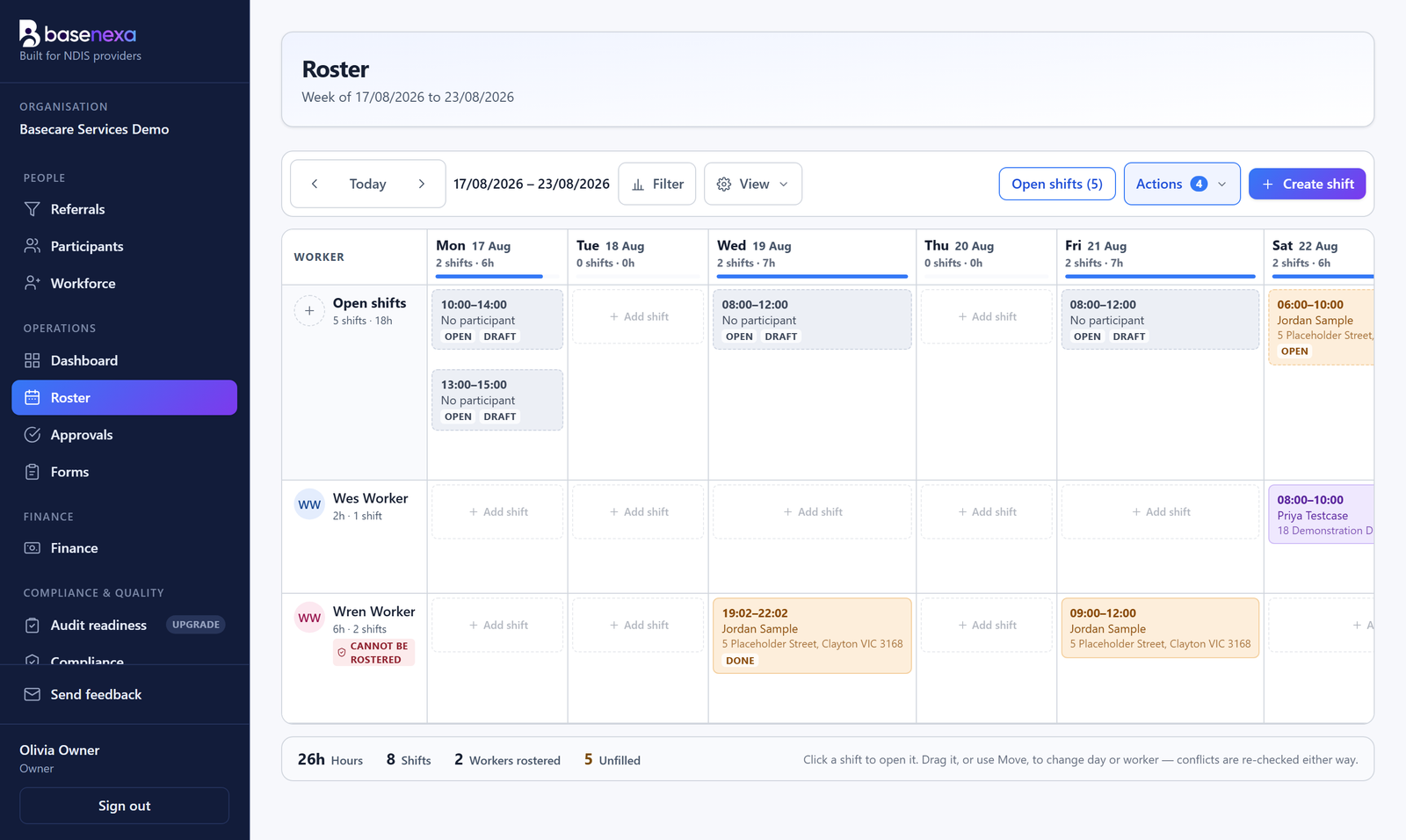
The roster grid
Workers by days, drag and drop, quick-add from any cell.
Recurring shifts
Weekly and fortnightly patterns with proper series editing.
Conflict warnings
Clashes surface at planning time, as warnings a human can override.
Templates and copy-week
Copy a stable week forward instead of rebuilding Monday.
Open shifts
Publish an unfilled shift; available workers put their hand up.
Worker availability
Workers keep it current from their portal; the roster respects it.
Time, attendance and the worker portal
Clock in and out
On a phone, against the rostered shift. No app store needed.
Location checks
Optional, reviewed by a coordinator, and never blocking the clock.
Time adjustments
Corrections are requested, approved and recorded. Nobody quietly edits time.
Automatic clock-out
A forgotten clock is closed server-side and flagged for review.
Progress notes on shift
Written at the shift, linked to the participant and their goals.
Shift forms
Checklists and observations completed as part of the visit.
Workforce and compliance
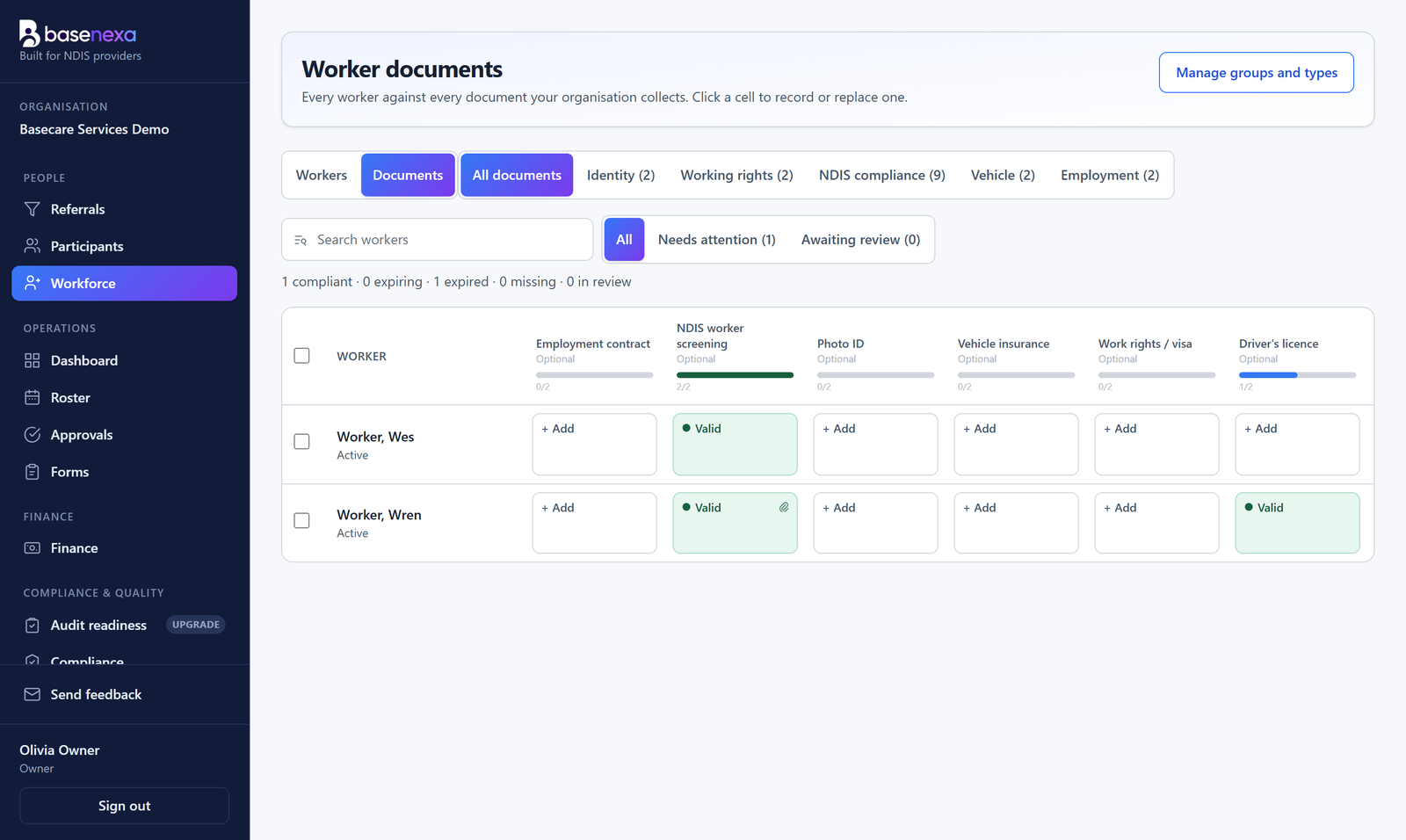
Document matrix
Every worker against every requirement, expiry at a glance.
Document packs
Requirement sets by role, applied automatically.
Self-onboarding by invite
Workers enter their own details; you review, not transcribe.
Pay rates and shift costing
What a rostered shift will actually cost, before it runs.
Training matrix
Who has done what, and what is due.
Policy acknowledgements
Publish, see who has read it, chase who has not.
Participants and care
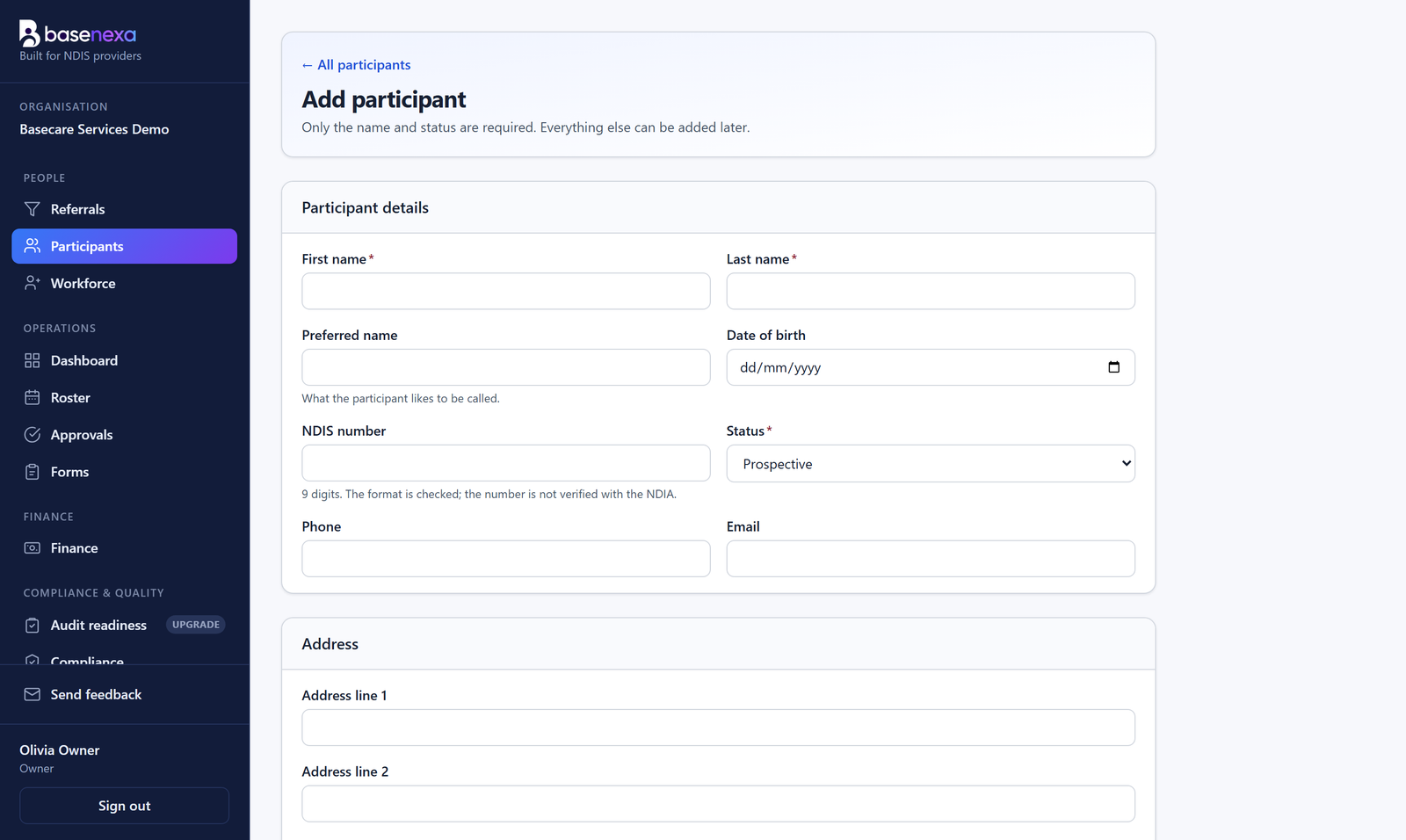
Participant profile hub
One tabbed page per person, everything in reach.
Agreements and e-signing
Generate or upload, place fields visually, sign in sequence.
Funding and budgets
Budget positions move as work is delivered, not at month end.
Goals and strategies
Linked to the notes that evidence them.
Risk assessments
On your own templates, versioned, with review dates.
Referrals and intake
A pipeline from enquiry to onboarded participant.
Incidents, complaints and quality
Incident register
Reportable timeframes visible, counting down.
Complaints and actions
Tracked to resolution, with owners and due dates.
Standards register
Each standard mapped to evidence the system already holds.
Audit readiness
See the gaps before an auditor does.
Continuous improvement
An improvement register and management reviews.
Compliance calendar
The recurring obligations, in one calendar.
Finance and claiming
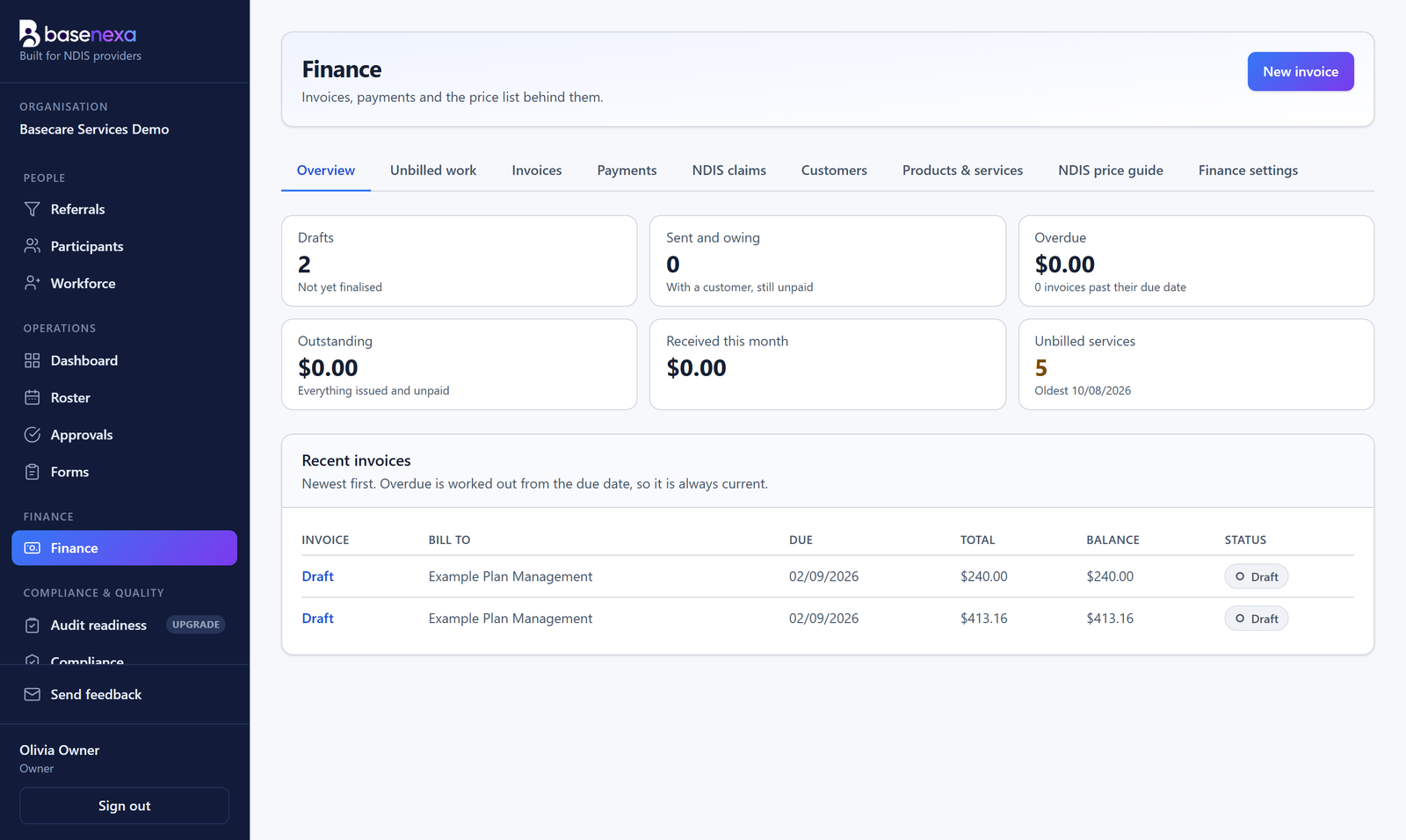
Billing from approved work
The roster, the clock and the invoice are the same record.
NDIS Price Guide
Effective-dated caps; June rates stay valid on June invoices.
Provider travel
Entered, approved, priced and carried onto the invoice.
Branded invoices
Your logo and template, snapshotted onto every invoice.
Claim files
Bulk payment request files, built from issued invoices.
Email with history
"Did we send that?" always has an answer.
See it against your own week
A free trial with one real week in it beats any feature list.